
Easy stock and inventory management for your online store
Stock management in Matjari happens in the same store dashboard: see how much is left of every product, size and color, and stop selling what's sold out.
- Quantity per product, size and color
- Sold-out items aren't sold by mistake
- Update stock from your phone
- Arabic and English dashboard
Why you need inventory management
The biggest problem online is a customer ordering something you don't have. With stock management, every order reduces the quantity so you always know what's available.
- Fewer cancelled orders
- Know what needs restocking
- Clear picture before seasons and offers
What you manage in the dashboard
Add a product once, then set the quantity for each option. Edit quantities any time.
- Available quantity per product
- Size and color options with their own quantity
- Hide a product or show it as sold out
Stock, products and orders together
Stock is part of product management (prices, offers, categories) and order management. It's all in one store, so small and medium shops don't need separate inventory software.
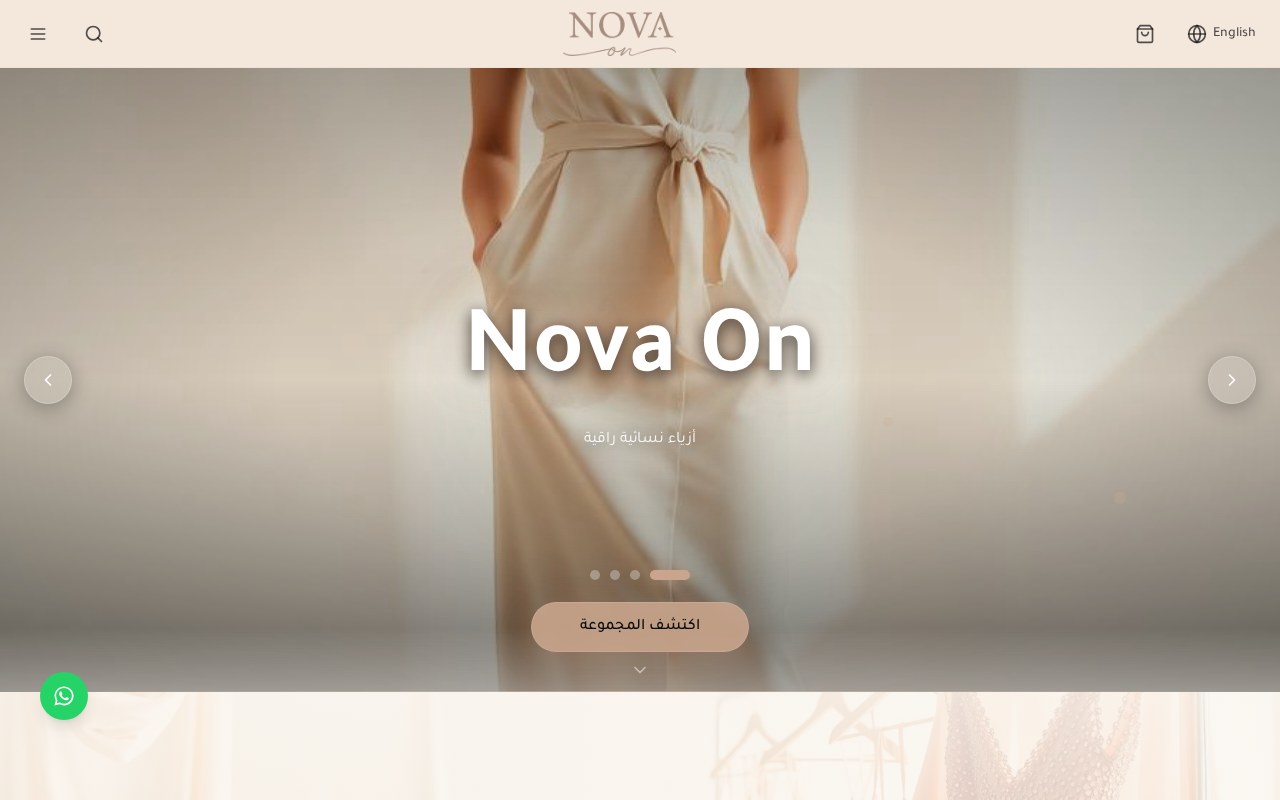
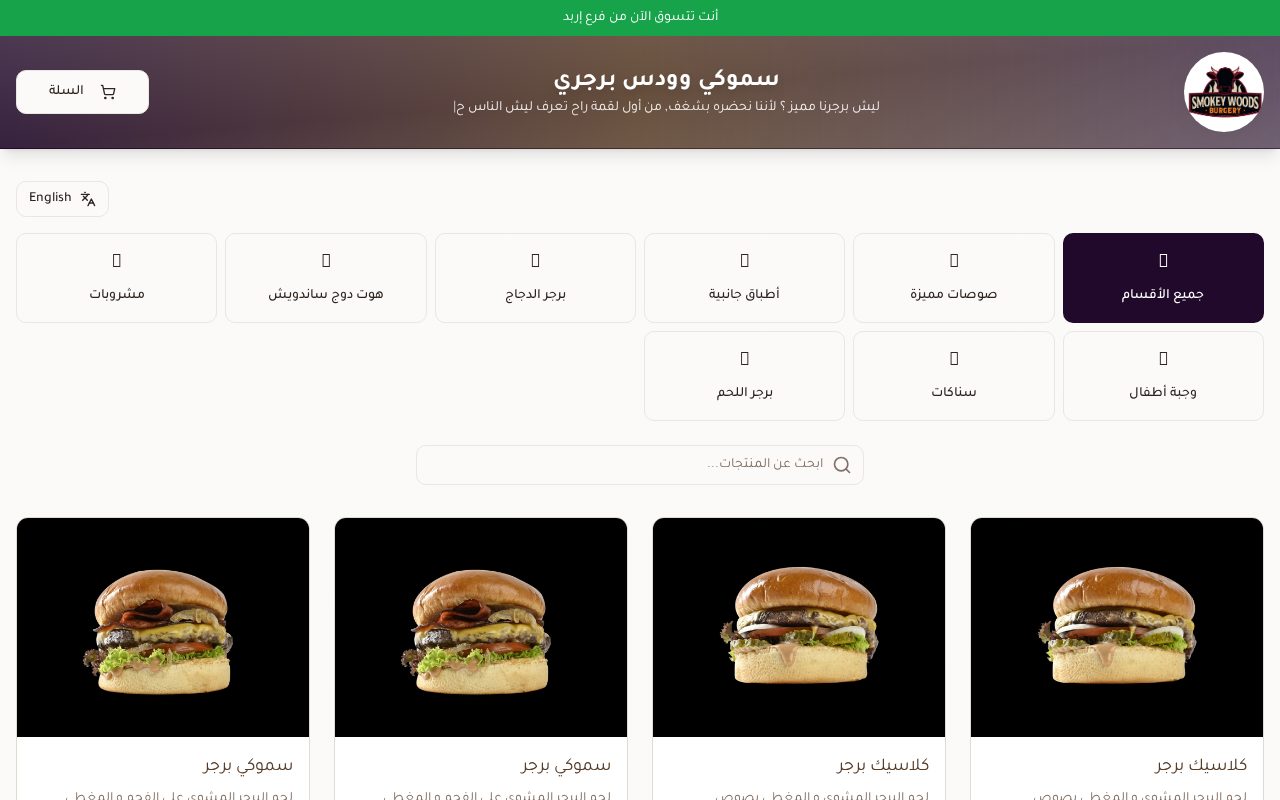
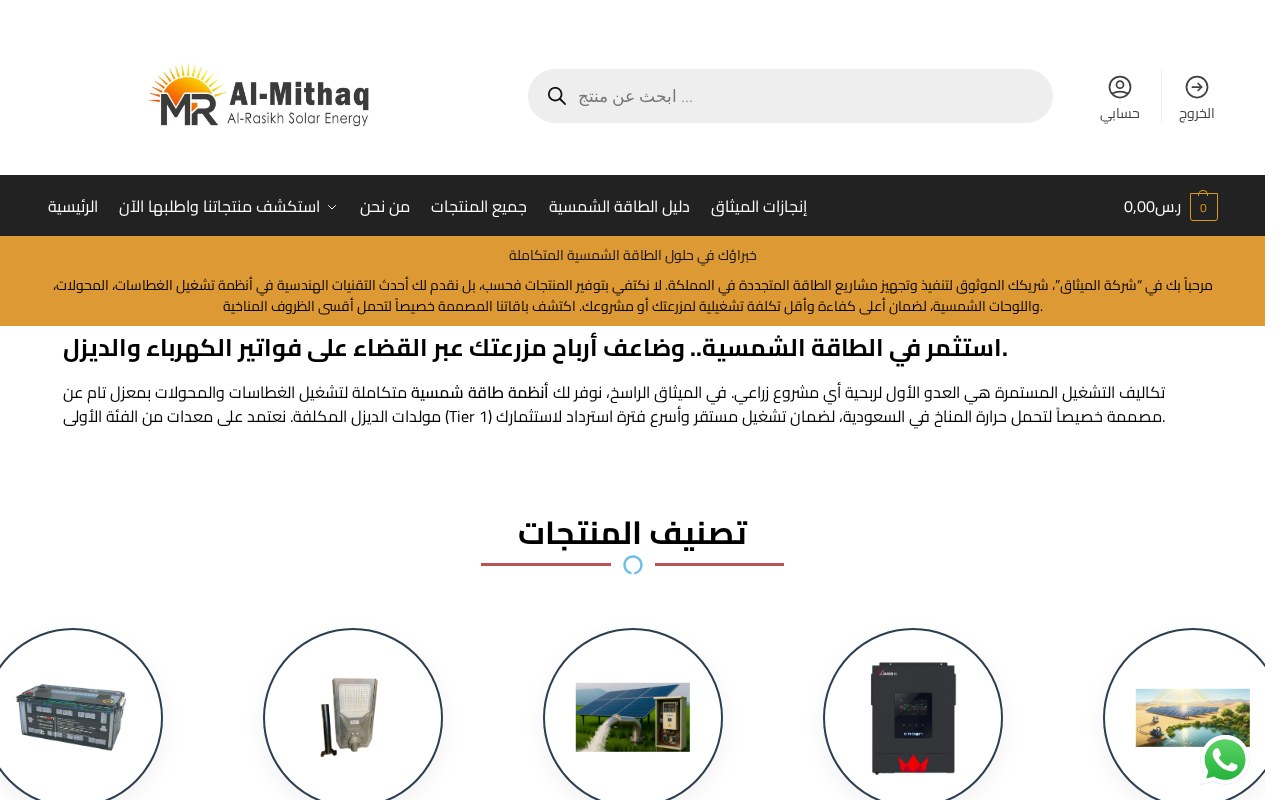
Real stores we built
Frequently asked questions
Do I need separate inventory software?
For most small and medium stores, no. Quantities are managed in the store dashboard.
Can I set quantity per size and color?
Yes, add options like size and color and set a quantity for each.
What happens when a product sells out?
Show it as sold out or hide it until you add new stock.
Can I update stock from my phone?
Yes, the dashboard works on phone and computer.
Helpful articles
Start a store with organized stock
Tell us how many products and options you have and we'll set it up.
We usually reply within an hour during working hours (Sun–Thu)
What store do you need?
3 quick taps and we suggest the right package.